Back to Help

Insert A Smart Block

Place a Local Definition or Global Block into a sheet as a configurable block reference.

Getting StartedbeginnerGuided flow

What this is

You choose a block definition, then place a reference on the sheet.

That reference can use its own values after insertion.

Choose a block source

When inserting a block, you choose where the definition comes from:
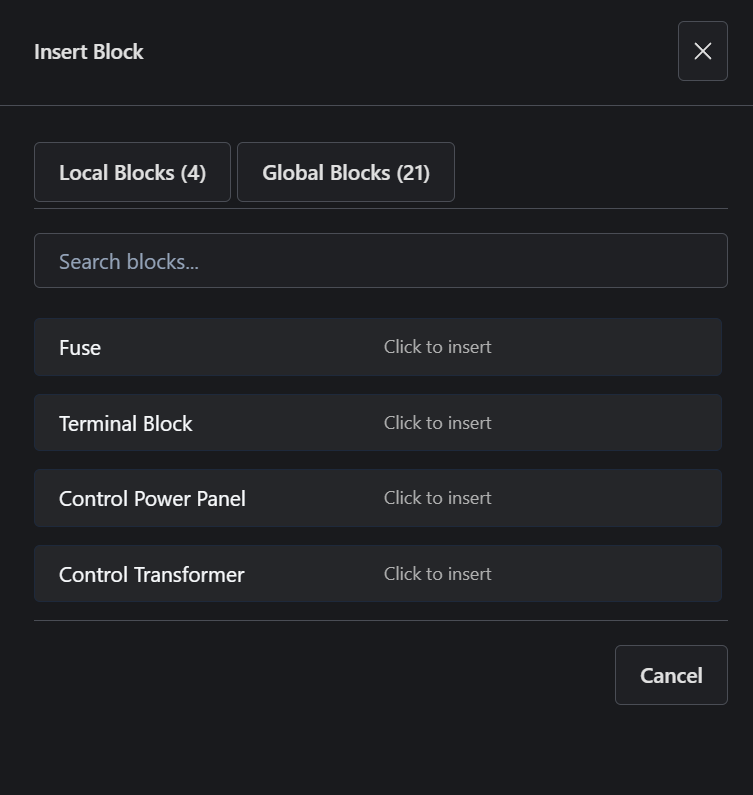
Local Definitions in the insert block picker
Local Definitions - project-scoped definitions
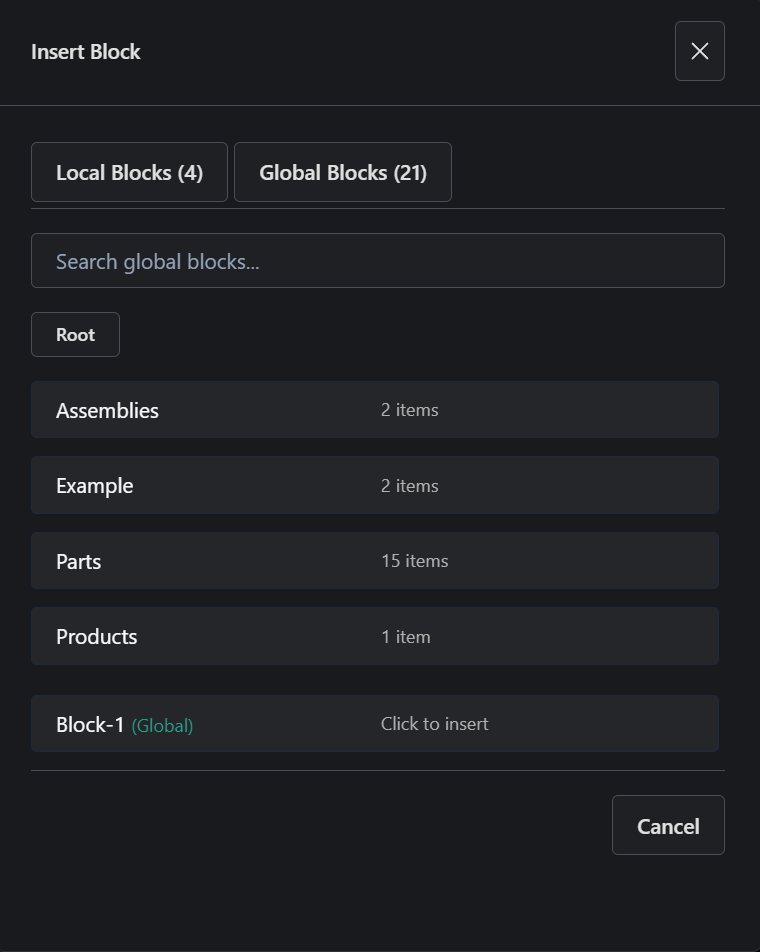
Global Blocks in the insert block picker
Library - Global Blocks reusable across projects
  • Local Definitions - defined inside this Project
  • Library - Global Blocks reusable across projects

You are selecting a definition - inserting creates a reference on the sheet.

Where it is

  • Toolbar -> Blocks -> Insert Block
  • Insert Block -> switch between Local Definitions, Library, and Standard Library
  • Select a block -> click to insert
  • Canvas -> place the reference

What you can do

  • Insert a reusable definition as a reference
  • Choose between Local Definitions, Library, and Standard Library
  • Place multiple instances of the same block
  • Configure each instance independently

Try it

  1. Open Insert Block from the toolbar
  2. Switch between Local Definitions and Library
  3. Insert one block from each
  4. Place both on the sheet

Notice

  • Both are references to definitions
  • Each instance can have different values

Key idea

Inserting a block places a reference to a definition, not a disconnected drawing copy.

Docs

How block definitions, references, parameters, and states work.